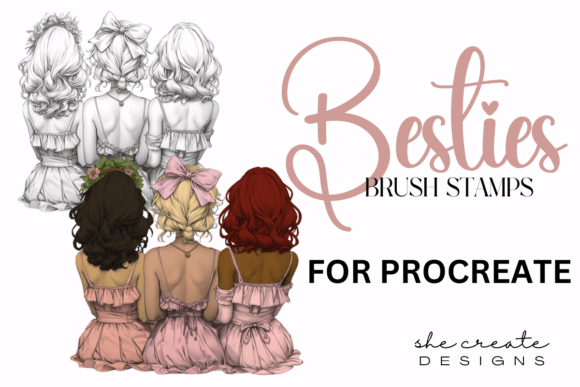
Besties Procreate Stamp Brushes for Creative Expression
Whether you're a digital artist, a small business owner creating social media content, or someone who enjoys doodling in your free time, Besties Procreate Stamp Brushes can help you bring your ideas to life more efficiently. These brushes are specially designed for the Procreate app, making them a powerful tool for anyone using an iPad to create digital artwork.
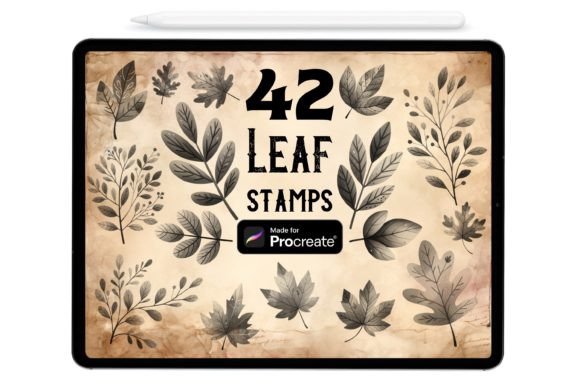
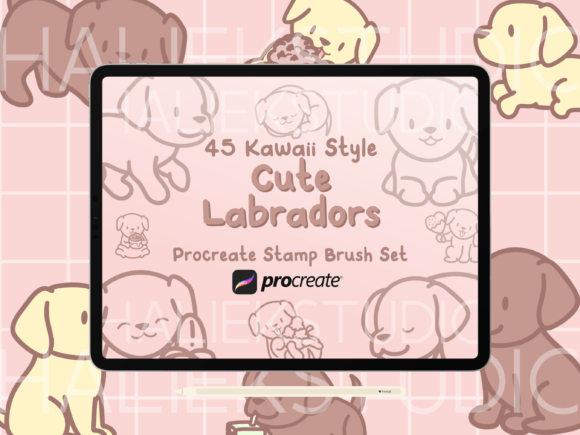
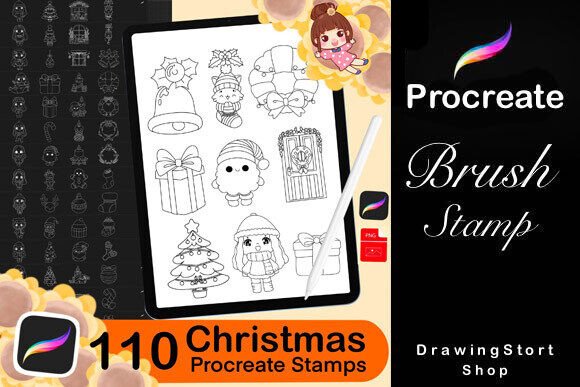
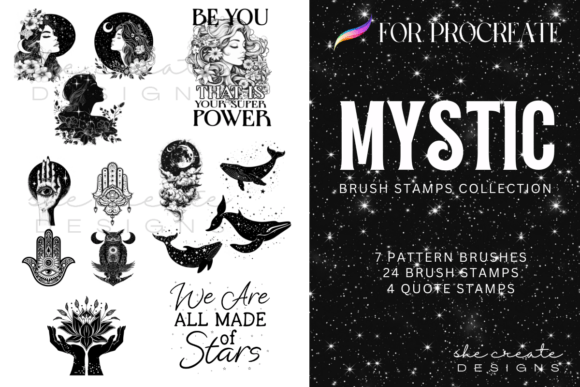
Each brush in the collection functions like a digital stamp, allowing you to place detailed, high-quality elements onto your canvas with a single tap or stroke. The set includes 13 unique stamps, all bundled into one convenient .brushset file. Once imported, they integrate seamlessly into your Procreate workflow, saving you time and helping you maintain a consistent visual style across your projects.
Why These Stamp Brushes Matter
Creating digital art from scratch can be time-consuming, especially when you're working on complex illustrations or repetitive elements. Besties Procreate Stamp Brushes are designed to streamline that process. Instead of drawing the same shapes or textures over and over, you can use these pre-made stamps to build your composition quickly and professionally.
For example, if you're designing a greeting card, you might use floral stamps to add decorative borders. If you're sketching character designs, you could use texture stamps to give clothing or backgrounds more depth. These brushes are especially useful for people who want to maintain a polished look without spending hours on small details.
Who Can Benefit from Using These Brushes?
These brushes are ideal for a wide range of users. Digital illustrators can use them to add texture or pattern elements to their work. Tattoo artists might find them useful for sketching out design ideas quickly. Educators and hobbyists can also benefit—whether they're creating visuals for a presentation or working on a personal art journal.
- Freelancers can speed up client projects by reusing visual elements.
- Bloggers and marketers can create consistent branded graphics with minimal effort.
- Beginners can explore digital art without needing advanced drawing skills.
How to Use Besties Procreate Stamp Brushes
Getting started is simple. After purchasing the brush set, you’ll receive a zip file containing a PDF with instructions and the .brushset file. To install the brushes:
- Open the PDF and click the “CLICK HERE” button.
- When prompted, choose to “open link” rather than leaving the file.
- At the bottom of the page, follow the steps to download and import the brush set into Procreate.
Once imported, the brushes will appear in your brush library, ready to use. You can adjust their size, opacity, and blending modes just like any other Procreate brush, giving you full control over how they interact with your artwork.
Real-World Applications
Let’s say you run a small business selling handmade jewelry. You want to create eye-catching Instagram posts that feature your products in a consistent style. With Besties Procreate Stamp Brushes, you can easily add decorative frames, floral accents, or background textures to your images—no graphic design experience required.
Or imagine you're a teacher preparing a digital worksheet for your students. You can use stamp brushes to add icons, borders, or educational graphics that make your content more engaging. The same tools that help professionals can also enhance your personal creative time—whether you're making a digital scrapbook or designing your own stickers.
What to Keep in Mind Before You Start
It’s important to remember that these brushes are made specifically for the Procreate app and work best on an iPad. They won’t function in other software like Photoshop or Illustrator. If you're new to Procreate, it might take a little time to get used to the interface, but the time invested will pay off with more creative freedom and efficiency.
Also, while the brushes are easy to use, the quality of your final artwork still depends on how you combine and layer them. Don’t be afraid to experiment with different settings and compositions. The more you use the brushes, the more you'll discover their full potential.
Maximizing the Value of Your Brush Set
To get the most out of Besties Procreate Stamp Brushes, consider how they fit into your overall creative workflow. Are there elements you find yourself drawing repeatedly? If so, those might be perfect candidates for stamping. Over time, you can build up a library of custom brushes that reflect your personal style or brand identity.
Also, remember that these brushes are just one part of a larger creative toolkit. Pair them with Procreate’s built-in features like layers, blending modes, and selection tools to create more dynamic and polished artwork. The combination of pre-made stamps and your own artistic input can lead to truly unique results.
Final Thoughts
Whether you're a seasoned illustrator or someone just starting out, Besties Procreate Stamp Brushes offer a practical and creative way to enhance your digital art. They’re designed to save time, reduce repetitive work, and help you maintain a professional look across your projects. By making it easier to create high-quality visuals, these brushes let you focus more on expressing your ideas and less on the technical details.
So if you're looking for a way to streamline your creative process while still enjoying the freedom of digital art, give Besties Procreate Stamp Brushes a try. You might be surprised at how much more you can accomplish with just a few simple tools at your fingertips.