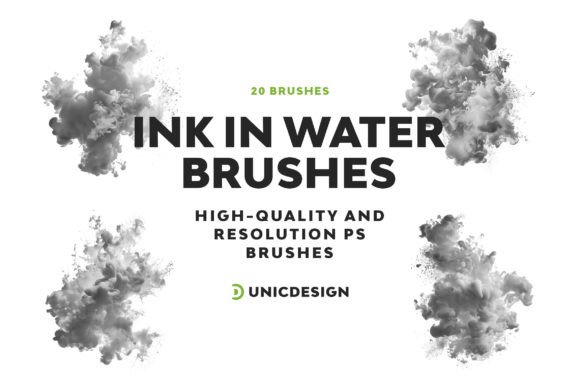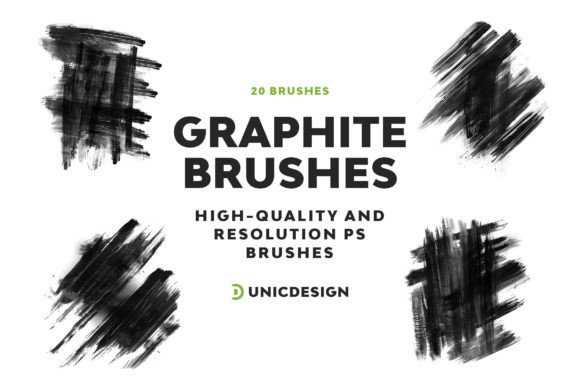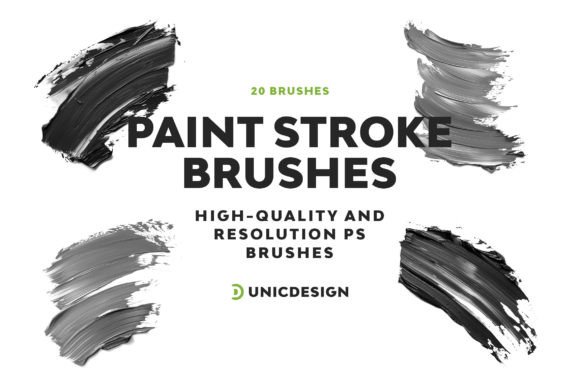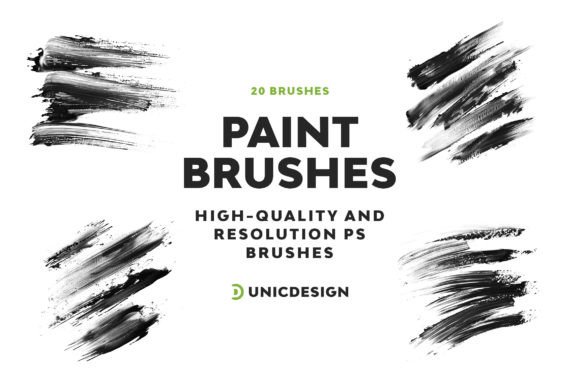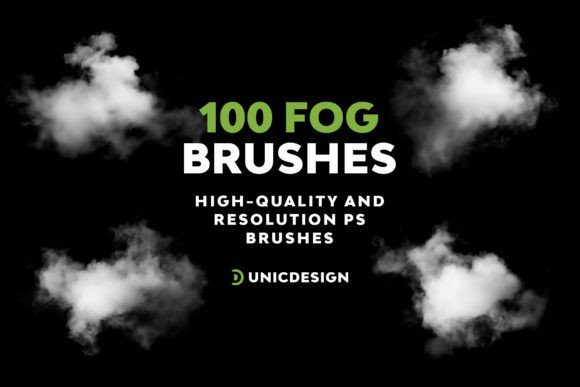
Fog Photoshop Brushes for Creative Digital Art
Adding atmospheric depth and mood to digital illustrations can transform a flat image into a visually immersive experience. Fog Photoshop Brushes offer a powerful way to achieve this, with a curated collection of 100 high-resolution brushes designed to enhance your creative work. Each brush is crafted at around 1750 px, ensuring crisp, detailed fog effects that blend seamlessly into your compositions. Whether you're designing a cinematic scene, a fantasy landscape, or a moody portrait, these brushes provide the tools to bring your vision to life with professional polish.
Why Fog Photoshop Brushes Stand Out
What sets Fog Photoshop Brushes apart is their combination of quality, ease of use, and adaptability. These brushes are not just fog overlays—they are dynamic tools that allow for layering, blending, and customizing to suit a wide range of artistic styles. The pack includes a detailed Readme file that guides you through installation and usage, making it accessible even for beginners. With compatibility across Photoshop versions from CS6 to the latest 2023 release, they integrate smoothly into any creative workflow.
Each brush is pressure-sensitive and supports opacity and flow adjustments, giving you full control over how the fog interacts with your artwork. This level of customization ensures that whether you're creating a soft mist or a thick, mysterious fog bank, you can tailor the effect to match your artistic intent.
Creative Possibilities with Fog Photoshop Brushes
Fog effects can dramatically alter the tone and storytelling of a digital image. Here are just a few ways to explore the creative potential of Fog Photoshop Brushes:
- Atmospheric Landscapes: Use fog to create depth and mystery in nature scenes, especially in forest, mountain, or coastal compositions.
- Urban and Night Scenes: Enhance cityscapes or nighttime visuals with fog drifting through alleyways or hovering above wet streets.
- Fantasy and Sci-Fi: Build otherworldly environments by layering fog around magical creatures, alien terrain, or futuristic structures.
- Portraits and Mood Shots: Soften backgrounds or wrap figures in fog to evoke emotion, solitude, or drama.
- Concept Art: Quickly block in atmospheric elements to guide lighting and mood during early-stage visual development.
These brushes are also ideal for digital matte painting, game asset design, and visual storytelling across media formats. By adjusting color, opacity, and blending modes, you can achieve fog effects that are subtle or surreal, realistic or stylized.
How Different Users Can Benefit
Whether you're a professional illustrator, a freelance designer, or a hobbyist exploring digital art, Fog Photoshop Brushes offer flexibility to suit your goals:
- Illustrators: Add atmospheric depth to character scenes or book illustrations with minimal effort.
- Graphic Designers: Use fog effects to enhance poster designs, promotional materials, or branding visuals with cinematic flair.
- Photographers: Blend fog into photo composites to create surreal or dramatic enhancements.
- Content Creators: Use fog overlays to add visual interest to thumbnails, social media posts, or video backgrounds.
- Art Educators: Demonstrate atmospheric perspective and digital layering techniques using these brushes in classroom or tutorial settings.
- Layer Smartly: Use separate layers for different fog elements to maintain flexibility and control over your composition.
- Adjust Opacity and Flow: Start with low opacity and build up the fog gradually for a natural look.
- Experiment with Blending Modes: Try modes like Screen, Soft Light, or Multiply to see how fog interacts with underlying colors and textures.
- Customize Brushes: Adjust size, scattering, and texture settings to match the environment you're creating.
- Color Correct: Use adjustment layers to tint the fog and make it blend seamlessly with your scene’s lighting.
For bloggers and marketers, fog effects can elevate visual storytelling on websites and in digital campaigns. Entrepreneurs launching creative products can use these brushes to craft compelling visuals for packaging, ads, or product mockups.
Getting the Most from Fog Photoshop Brushes
To ensure your fog effects look professional and intentional, follow these practical tips:
By integrating fog thoughtfully into your work, you avoid overwhelming the composition and instead use it to guide the viewer’s eye, enhance mood, or suggest movement.
Support and Compatibility
One of the key strengths of Fog Photoshop Brushes is their accessibility. Designed for compatibility with Photoshop CS6 through CC 2015.5 to the latest 2023 version, they work across platforms and setups. The included Readme file ensures you can install and start using the brushes quickly, and 24/7 support means you can get help whenever you need it. This makes the brush pack a reliable tool for both personal and professional projects.
If you encounter any issues or have questions about using the brushes, simply reach out using the contact details provided in the Readme. The support team is ready to assist with technical questions, usage tips, or creative guidance.
Final Thoughts
Fog Photoshop Brushes are more than just an add-on—they're a creative enhancement that opens up new visual storytelling possibilities. Whether you're working on concept art, digital illustration, or photo composites, these brushes give you the tools to create depth, atmosphere, and mood with ease. With their high resolution, intuitive design, and broad compatibility, they’re a valuable resource for any Photoshop user looking to elevate their work.
From subtle background enhancements to dramatic fog-filled scenes, this brush pack empowers you to explore atmosphere in your art without technical barriers. So, if you're ready to add depth, emotion, and realism to your digital creations, Fog Photoshop Brushes are a smart and inspiring choice.