Enhancing Creative Workflows with Special FX Photoshop Brushes
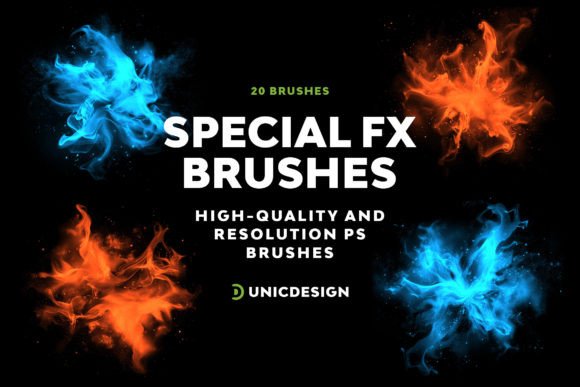
For digital artists, designers, and content creators, the right tools can make a significant difference in both output quality and workflow efficiency. Special FX Photoshop Brushes offer a curated collection of 20 high-resolution brushes designed to elevate visual projects with intricate detailing and professional polish. These brushes are not just visual enhancements—they're practical assets that integrate smoothly into broader creative processes, whether you're working on illustrations, photo composites, marketing assets, or personal art pieces.
Understanding the Role of Special FX Photoshop Brushes
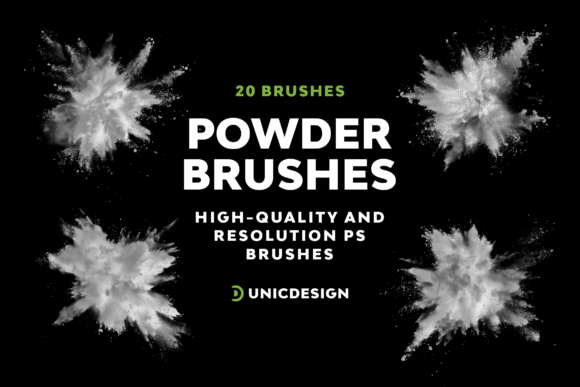
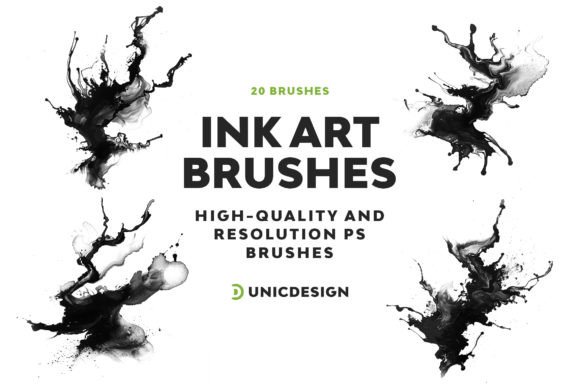
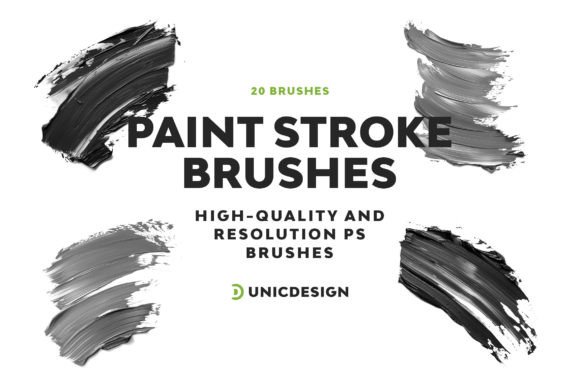
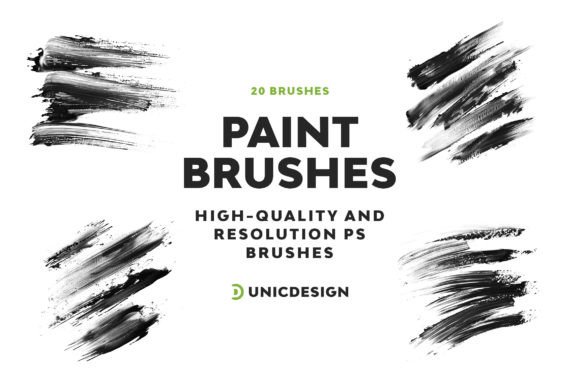
Photoshop brushes are foundational tools in digital design, enabling artists to add textures, effects, and finishing touches with precision. The Special FX Photoshop Brushes pack stands out due to its combination of high resolution (up to 2000 px), variety, and usability. Each brush is crafted to deliver clarity and impact, ensuring that effects like smoke, light leaks, grunge, and digital glitches integrate seamlessly into your work.
These brushes fit naturally into the post-production or enhancement phase of a design project. Whether you're refining a concept art piece, adding atmospheric depth to a photo, or designing a dynamic social media graphic, these brushes allow you to achieve professional-level effects without the need for complex layering or external assets.
Integration Across the Creative Workflow
One of the strengths of the Special FX Photoshop Brushes pack is its flexibility in how and when it can be used throughout a project. Here’s how they can be applied across different stages:
- Pre-Production: Use brushes to sketch out ideas or test visual styles before committing to full compositions.
- Production: Layer effects in real-time as you build scenes or composite images, helping maintain a cohesive visual tone.
- Post-Production: Enhance final visuals with dramatic effects, textures, or overlays that elevate the overall impact.
This adaptability makes the brush pack useful not only for standalone creative work but also within larger team-based or client-driven workflows where visual consistency and efficiency are key.
Compatibility and Ease of Use
The Special FX Photoshop Brushes are designed to be compatible with Photoshop versions from CS6 up to CC 2022, ensuring that users across different platforms and update cycles can integrate them without friction. This backward and forward compatibility is especially valuable for professionals who work across multiple machines or in environments where software versions may vary.
Installation is straightforward. The pack includes a detailed Readme file that guides users through the loading and setup process. For those less familiar with brush installation in Photoshop, this step-by-step guide removes potential barriers, allowing for immediate use. And should any issues arise, UnicDesign provides round-the-clock support, ensuring that technical questions don’t stall creative momentum.
Practical Implementation Tips
To get the most out of the Special FX Photoshop Brushes, consider these practical implementation strategies:
- Layer Organization: Apply each brush on a separate layer to maintain editability and control over opacity, blending modes, and masks.
- Blending Modes: Experiment with different blending modes like Overlay, Soft Light, or Multiply to achieve varied effects without overpainting.
- Brush Dynamics: Adjust flow, opacity, and size dynamically using a pressure-sensitive tablet for more organic results.
- Custom Presets: Save frequently used brush settings as custom presets to speed up repetitive tasks.
- Non-Destructive Editing: Use brushes with layer masks instead of directly painting on the image layer to preserve original content.
By incorporating these techniques, users can maintain a clean, flexible workflow while achieving high-quality visual outcomes.
Use Cases Across Creative Fields
The versatility of the Special FX Photoshop Brushes allows them to be applied across a wide range of creative disciplines:
- Graphic Design: Add depth and motion to posters, banners, and digital ads.
- Photography: Enhance portraits with subtle light effects or dramatic textures.
- Illustration: Integrate atmospheric elements into digital paintings for storytelling impact.
- Marketing & Branding: Create engaging visual assets for campaigns with professional-grade effects.
- UI/UX Design: Use brushes to prototype interface elements with realistic shadows or glows.
Whether you're a freelancer handling multiple client requests or a hobbyist exploring digital art, these brushes can become a go-to resource for enhancing your visual language.
Long-Term Value and Workflow Integration
Investing in tools that grow with your skillset and remain relevant across projects is essential for long-term creative efficiency. The Special FX Photoshop Brushes pack supports this by offering consistent performance and quality across different use cases and software updates. As you develop your style or expand your design toolkit, these brushes can serve as reliable assets that adapt to evolving needs.
Additionally, organizing and tagging the brushes within Photoshop’s brush panel can streamline future access. Users can categorize brushes by effect type (e.g., “Grunge,” “Light Effects,” “Smoke”) to reduce search time during active projects. This small but impactful organizational step supports a smoother, more intuitive workflow.
Support and Community
While the Special FX Photoshop Brushes are designed for ease of use, having access to ongoing support enhances user confidence and experience. The included Readme file provides clear instructions and contact information for reaching out to UnicDesign’s support team. This ensures that even if you encounter compatibility issues, installation problems, or usage questions, help is readily available.
This level of support is particularly beneficial for users who may be new to advanced brush workflows or those integrating these tools into a larger creative ecosystem involving other plugins, templates, or asset packs.
Conclusion: Elevating Your Creative Output
In a digital design landscape where visual impact and efficiency are paramount, the Special FX Photoshop Brushes offer a practical and powerful solution. By integrating these brushes into your workflow, you gain access to high-quality effects that enhance your work without complicating your process. Whether you're a seasoned professional or just starting out, this brush pack provides the tools needed to elevate your creative output consistently and confidently.